App
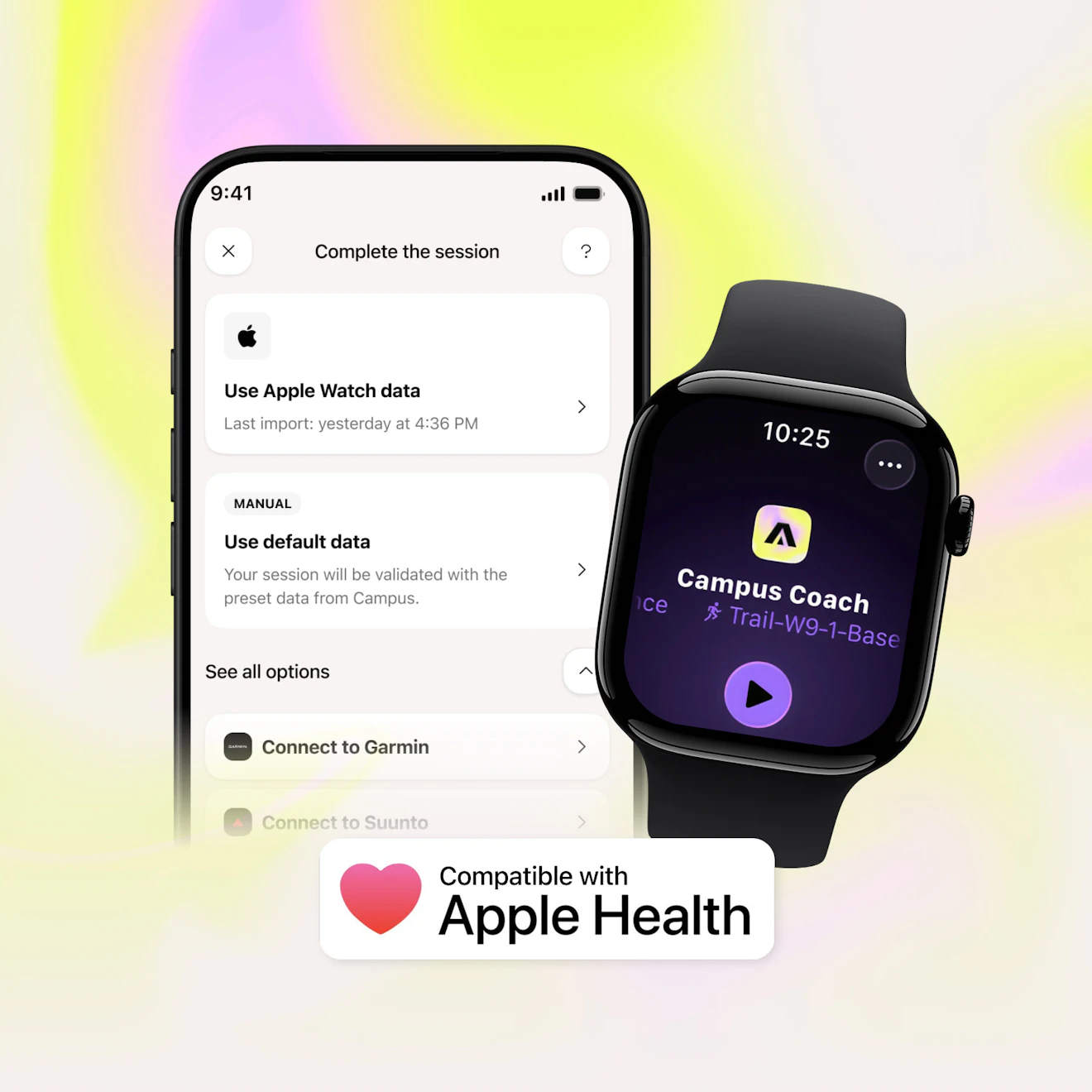
Good news for Apple Watch users: Campus is now compatible with Apple's Exercise app and HealthKit.
Concretely, your Campus workouts can now be synchronized with the Apple Fitness ecosystem, and workouts recorded in the Exercise app can be found in Campus.
Your Campus workouts finally count toward your Apple rings
Until now, workouts completed on Campus stayed only in the app. Now, you can send your workouts to Apple’s Exercise app so they appear in Apple Fitness and help close your rings.
Do your workout on Campus, sync it, and find it automatically in your Apple Fitness history.
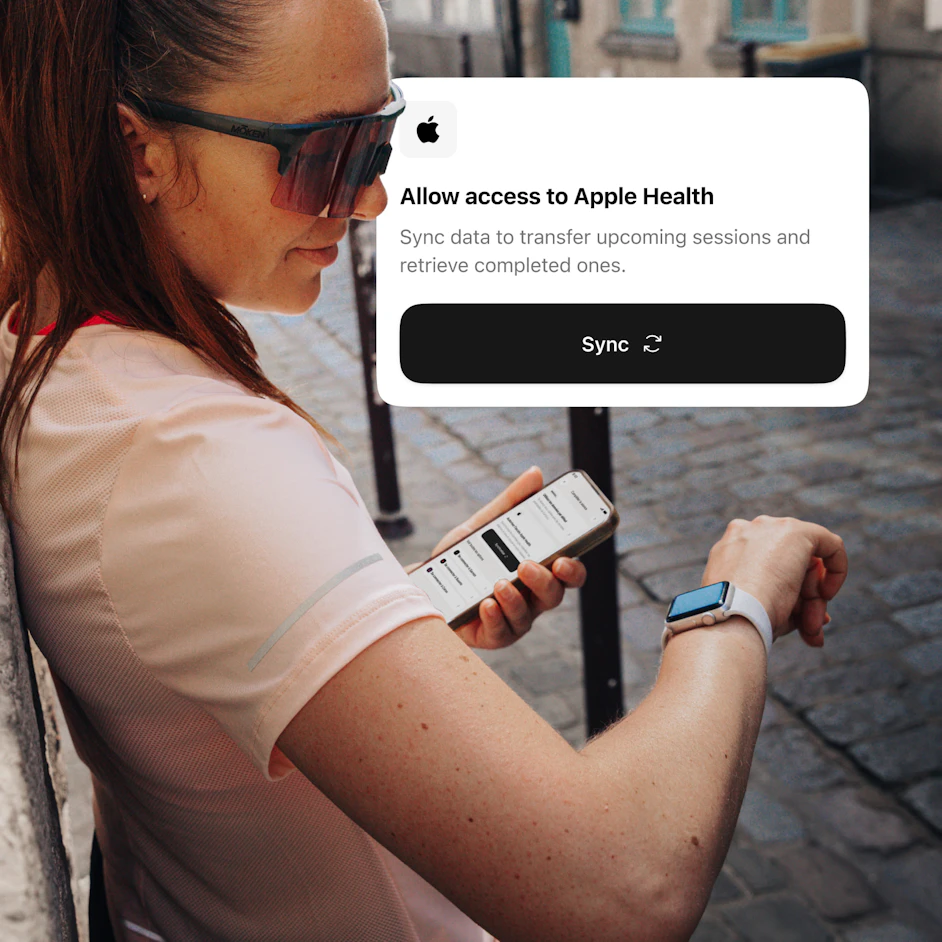
Connect Campus to Apple Health
Allow access to Apple Health to synchronize your workouts between Campus, your Apple Watch, and Apple Fitness.
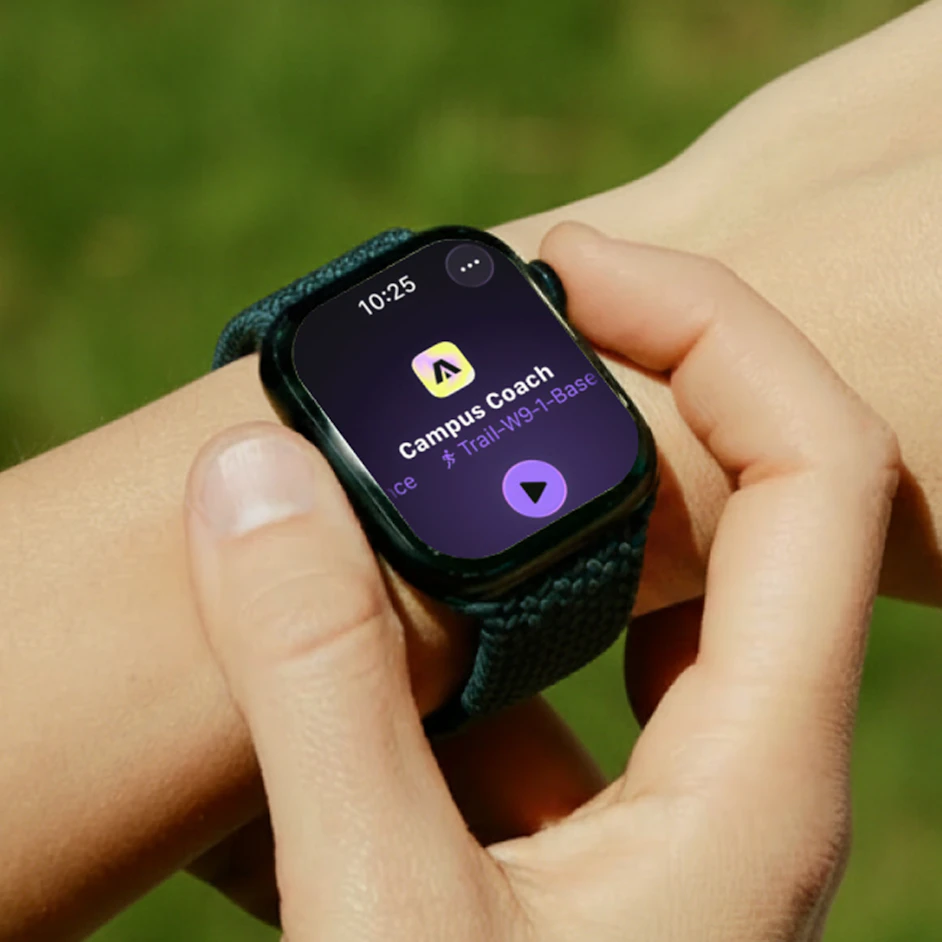
Ready? Start your Campus workout!
Find your workout on your Apple Watch and start your workout with one tap. Your data will be automatically synchronized with Campus.
Two-way synchronization
Your workouts now move between Campus and Apple's Exercise app.
Do you do your workout from Campus?
Once your workout is finished, you can send it to the Exercise app. It will then be saved in Apple Fitness like any other workout and count toward your Apple stats.
Do you do your workout from the Exercise app?
Workouts completed from the Exercise app are automatically sent to Campus via HealthKit. All that's left is to validate them so they are taken into account in your training plan.
A smoother experience for Apple Watch users
This integration was designed for all athletes who use both Campus and their Apple Watch. No need to choose between the two apps anymore: your workouts now move between Campus and the Apple ecosystem so you can centralize your sports activity while keeping track of your training plan.
Enjoy synchronized workouts, completed rings, and a finally unified workout history!
partager