4.9
+4.2K avisIn road running or trail, route planning is very useful. Creating your running route is a good habit to have when exploring new areas. Only sometimes, the complexity of certain tools can hinder your approach. We're going to show you the best running route creation solutions without any hassle.
Why plan your running route?
Whether it's for a goal of performance, security, or simply pleasure, creating a running route offers a bunch of advantages.
👌 To adapt the route (distance, elevation) to your practice or plan
Route planning is truly useful within the framework of a training plan. It is not always easy to accurately estimate in advance the distance or duration of your run, except by making a round trip on the same course. However, adhering to workouts and the progression of training loads are ingredients of performance. The solution if you don't know your environment perfectly? The route planning.
Another advantage of creating routes is to adapt the course (type of terrain, elevation) to your training goal. Does your plan include a trail run of 15 kilometers and about 500 meters of positive elevation gain? Or a hilly long run as part of your marathon prep? No problem. With route planning and tracking, you can be sure to stay on track. You've understood, this tool contributes to the quality of your training, to your progress and ultimately, to your performances.
🤩 Create your running route to discover new spots
Are you used to running the same loops around your home or near your workplace? Planning your routes is a good way to break out of your routine, while respecting your time constraints. Change and the discovery of new routes, paths, or trails are synonymous with pleasure and increased motivation.
Better, creating itineraries is very practical for discovering beautiful spots when navigating a new environment, for example on a vacation spot.

✅ Follow the GPS track of your route: a safety asset for navigating in the wild
Route planning also has a reassuring aspect. This is particularly important when practicing trail on new trails. We are not all blessed with a good sense of direction. Sometimes, you can miss directions on marked paths and simply get lost. For all these reasons, the route tracking on your GPS watch or your smartphone represents a safety feature. Another advantage, route planning allows you to identify water points in advance on your route. A crucial point when venturing on long outings in hot weather.
Create and follow your running route: how does it work?
We have reviewed the benefits of route creation. Now, how to proceed concretely? We'll explain all this to you, step by step.
1/ Set your goal
Start by clearly defining the outing you want to do. That begins with the location, but also the type of terrain (road, paths, forest, etc.), the elevation gain (flat, slightly hilly, with uphills and downhill, etc.), the distance and/or the duration of your workout.
2/ Create your running route
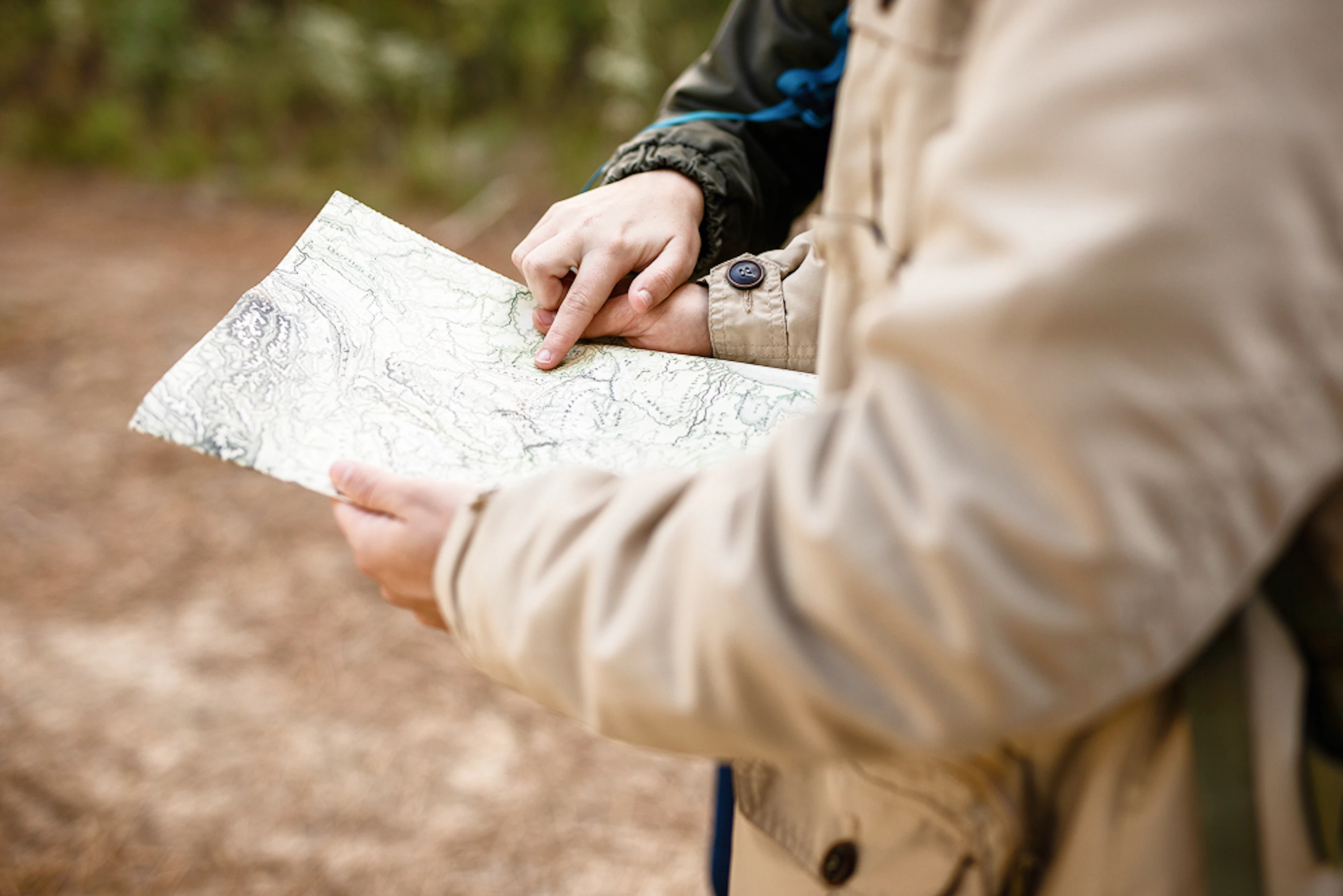
Numerous digital tools are at your disposal to create your route (see below). You have three main options. The first is to manually trace your own route on a map. The second, faster, involves automatically creating a route based on your criteria. The last is to search for existing routes that match your criteria.
3/ Save your route
Have you created your own route? Perfect. It's time to save it. Generally, several GPS track formats are offered: GPX, TCX, KML, or FIT. All are supported by all GPS watch brands. However, the GPX format is the most widespread and used for transferring routes.
Download the Campus app


4.8
+3.2K avis4/ Export your running route
Once your route is saved or selected, once again, two options are available to you. You can export the route to your GPS watch via USB cable, Bluetooth, or wifi. You can also use the app on your smartphone directly, if it has the route tracking feature. If you have created the route via your watch's dedicated GPS application, simply synchronize with your watch.
5/ Follow the route on your GPS watch
If it's possible to follow a route on a smartphone, it's much more comfortable on a GPS watch. Most watches offer route tracking. The turn by turn feature is useful: a display and vibrations indicate upcoming direction changes. That prevents you from having to keep your nose glued to your watch. The mapping adds extra comfort. This time, the screen doesn't just display the route to follow on a black background but a complete map with all the roads, trails, as well as contour lines. The top of the top is having the routable mapping mode. This feature, offered only on watches Garmin high-end, allows generating a loop route, recalculating a route in real-time in case of deviation from the planned route, or reaching points of interest. A must!
What are the best apps for mapping a route?
There are so many tools and applications available on the market that it is not easy to sort through them. To help you, we've made a small selection of the most relevant applications in our opinion.
📱 Paid apps: Strava, Komoot, OpenRunner
Strava, does that sound familiar? We are joking. The famous app brings together over 135 million users worldwide. One of the strengths of Strava is the creation of personalized routes based on popular routes. The heatmap is very practical for visualizing the most frequented roads and trails by millions of users. The downside? Only the paid version, Strava Premium (€60 per year), allows creating routes in addition to offering training analysis functions.
The strengths of Komoot? Its excellent mapping with precise indications of terrain types, the possibility to download maps offline — a perfect tool if you practice trail — and real-time voice guidance. In the free version, only one map area is offered. It corresponds to the size of a department. To go further and access other areas, you need to purchase regional, multi-regional, or world packs, or opt for the Komoot premium subscription (€60 per year).
OpenRunner is regularly used by trail organizations to display race routes. The creation of routes is very precise. In the free version, you can create up to three routes with the multi-route editor. Then, you need to upgrade to the paid version (€30 per year).
⌚ Dedicated apps for GPS watches: Garmin Connect, Suunto App, Coros App…
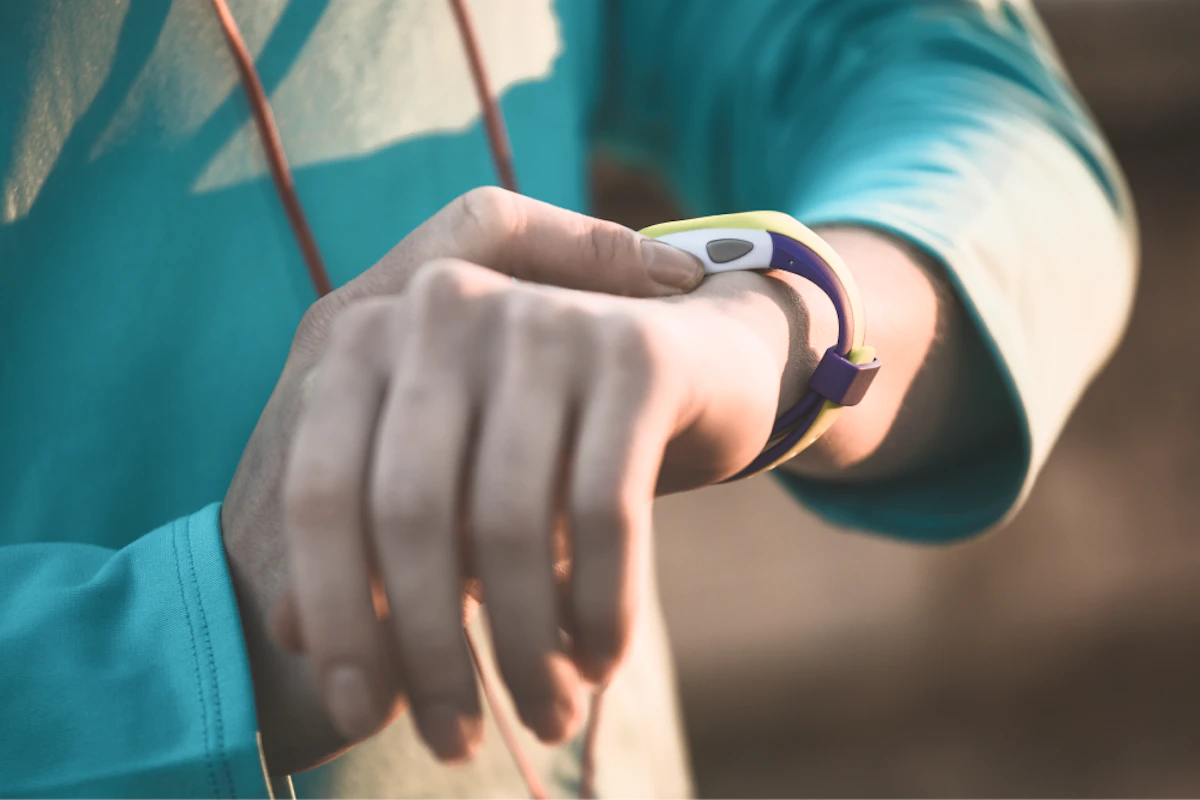
If, like three-quarters of GPS watch owners, you have a Garmin brand watch, you have the possibility to create your route directly thanks to Garmin Connect, on your computer or via the application on your smartphone. The application is very comprehensive. Several tracing options are available to you. Distance and elevation are displayed in real time. You can also select routes already created by Garmin users, by applying your own filters. Other brands like Suunto and, more recently, Coros also offer their own route creation tool. On the other hand, with Apple or Polar, only the import of GPX tracks is possible. If you own a watch from these brands, you will necessarily have to go through a third-party platform.
⚡ A new quick and easy-to-use app: Runnrz
A French mobile application appeared in 2022: Runnrz. The promise: to find routes suited to your level or desires around you in just a few seconds. All of this for free. The major strength of Runnrz is its speed and ease of use. There is no need to plan far in advance. Your route is generated in a few seconds. A perfect tool for vacations, trips, or simply not having to stress.
➡️ Runnrz, how does it work?
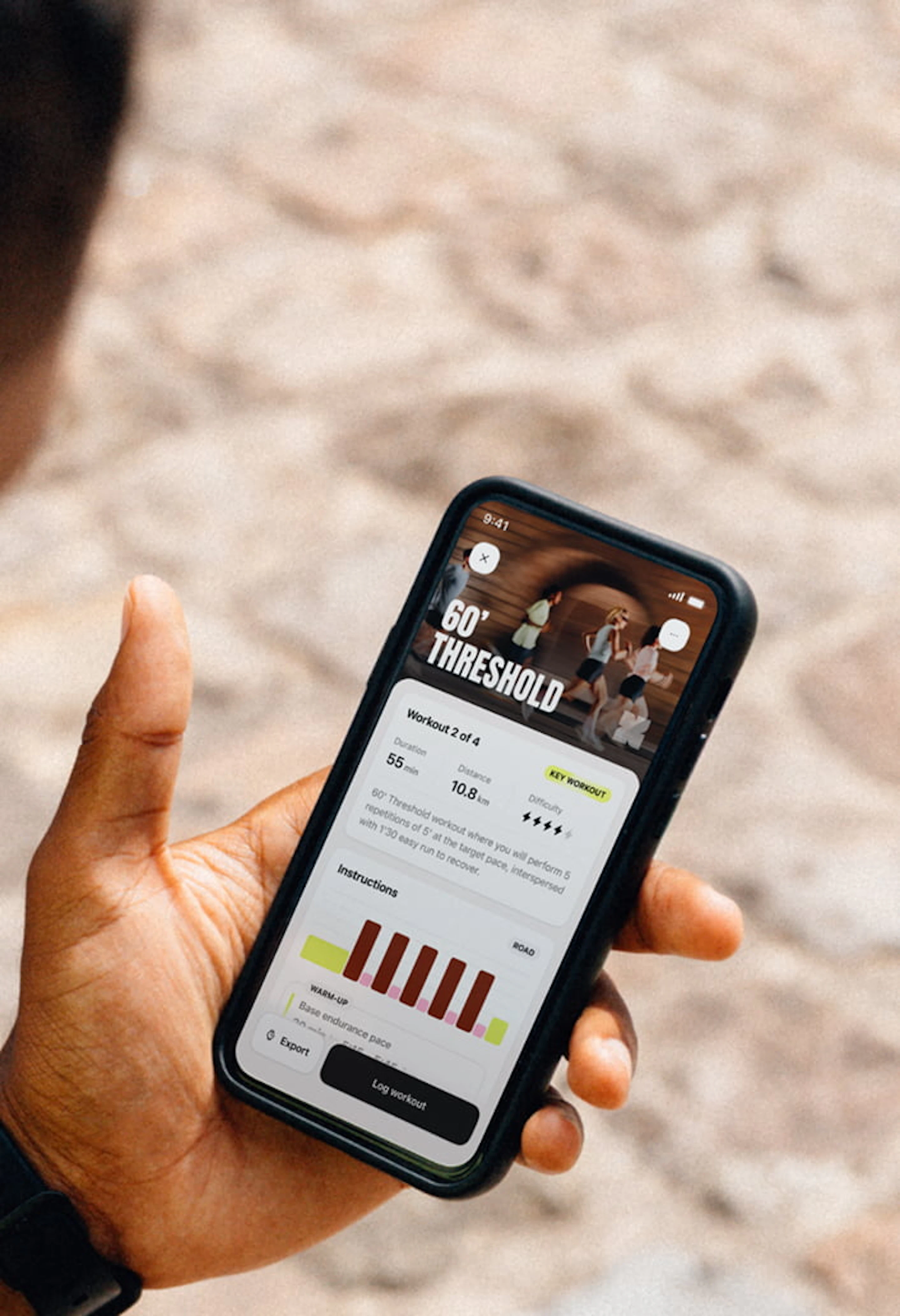
The application only asks you to define three criteria: the desired distance or duration, the type of terrain, and finally the pace. Then, an algorithm generates up to five suitable routes. An example: I want to do a 45-minute recovery jog at 5’30 min/km on soft surfaces to take care of my joints? Runnrz immediately offers me 5 routes ranging from 41 to 47 minutes (7.5 to 8.7 kilometers) and displays the elevation gain of each route. By clicking on each route, I have access to more information: the elevation profile, the types of roads taken, the types of surfaces. I just have to export the GPX file to my watch or click start to follow the route via my smartphone, while benefiting from real-time voice and visual guidance.

Start your free trial now
4.9
+4.2K avis4.8
+3.2K avis➡️ Runnrz, for which users?
The app is for you if you are looking primarily for simplicity or if you are on the move. The voice guidance is a reassuring feature if you wish to run solo. However, this application is not designed to plan your route in advance from another location or to generate it based on specific constraints. Indeed, you cannot prepare a route remotely. On the other hand, a few seconds are enough to create it once you have arrived on site.
Let's summarize. Do you want to create your running route hassle-free? Start by looking at what your connected watch's application offers. The advantage is that it is free and once the route is validated, a simple synchronization is enough. Apps such as Strava, Komoot, or OpenRunner are suitable for runners and trail runners who seek to create very precise personalized routes. If you are a beginner or on the move, we invite you to try Runnrz. You can't make it simpler and faster, and it's 100% free. The ideal option to not stress yourself!

Antoine
Publié le , mis à jour le
partager